Terminal
What is the Terminal and what is its uses?
The terminal can basically be used for everything, like run programs, open and delete files.
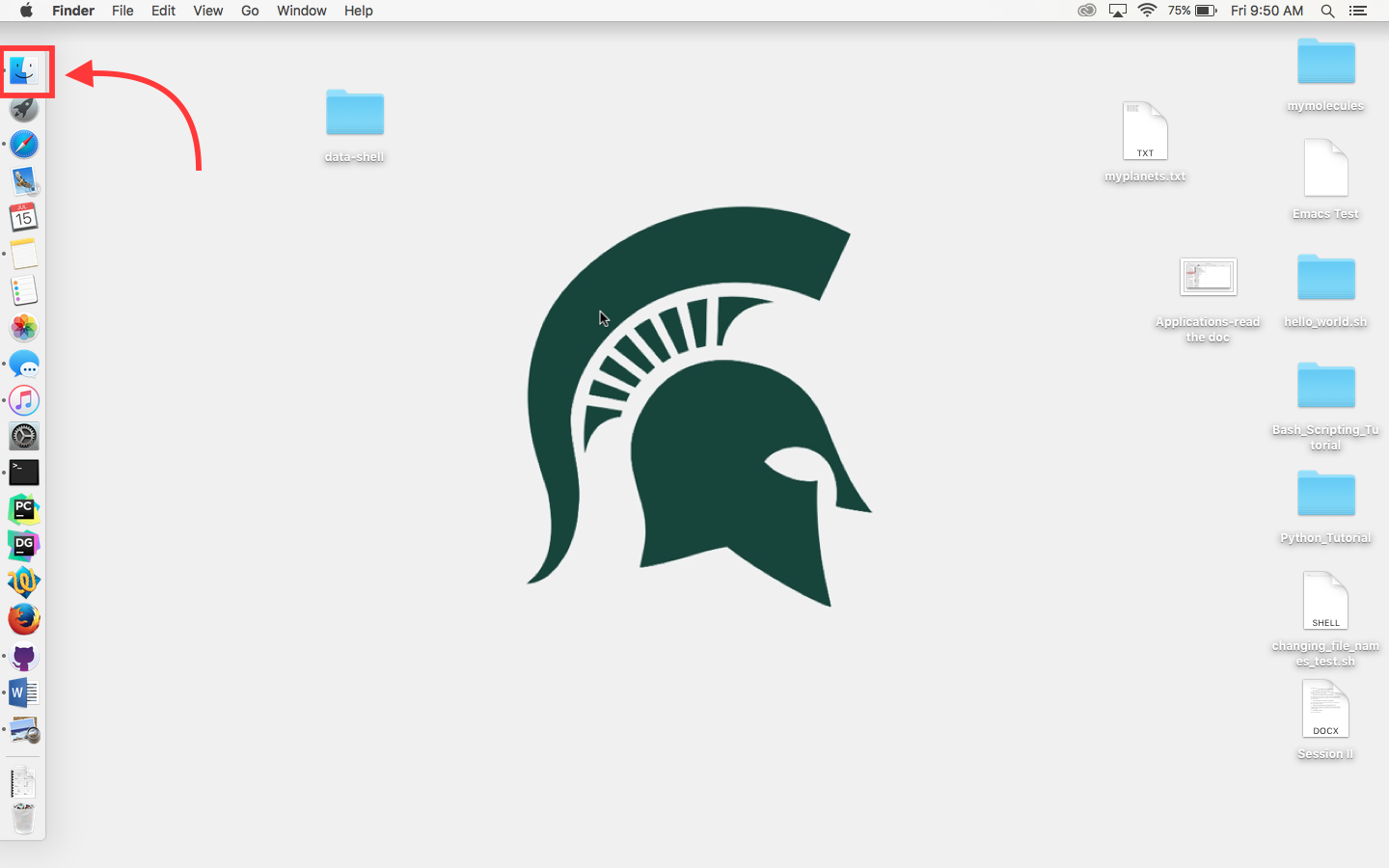
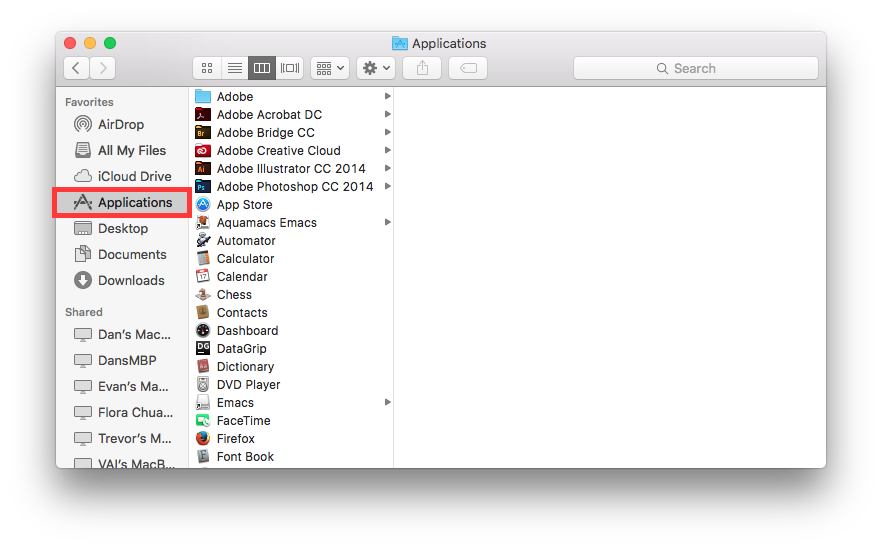
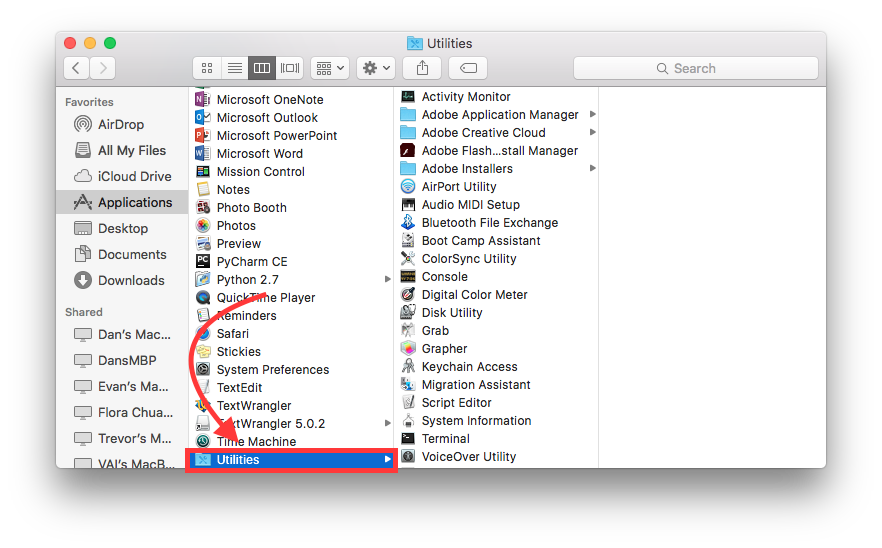
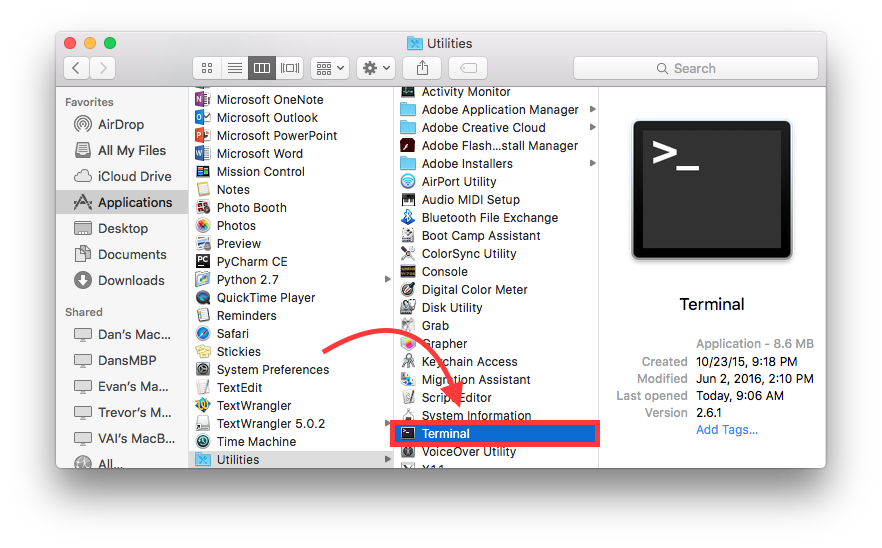
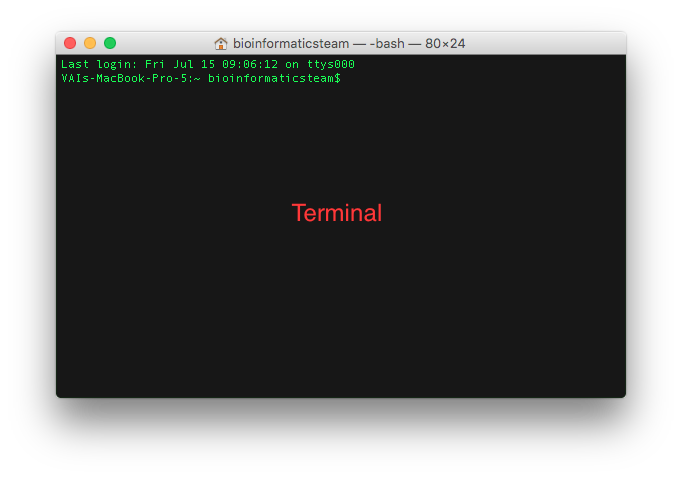
Basic commands for terminal and their uses:
ls: Used to view contents of a folder; ls / command is used to view all directories on the computer
cd: Used to change directories e.g cd desktop this changes the directory to the desktop
cd when typed into the terminal by itself returns you to the home directory.
pwd: Tells you what directory you are in; Stands for print working directory; useful when moving through directories
mkdir: This makes a directory where you are located
rmdir: This command removes a directory; you must be outside of a directory to delete it
Man pages: the man command gives a manual for everything such as ls cd and even itself
touch: This command creates an empty file
cat: This allows you to view the entire contents of a file stands for “catenate.”
nano: This allows you to create and edit files
mv: This command is used to move files and also to rename them; to move them you type mv whatyouwantmoved where; to rename a file you type mv nameoffile newname
you can move and cp multiple files at once using wildcards such as *
cp: This is used to copy files and directories
rm: This is used to delete files; warning, very dangerous, I recommend using rm -i to be safe
counting characters in a file: ls -l includes the file size wc tells number of line, words, characters in a specific file. wc -l, wc -w, wc -c gives a specific statistic
matching files with grep: use “grep keyword filename” to to search for specific words in specific lines. -i ignore case, -w only match whole words, -v show lines that dont match a pattern.
using tab completion: using tab helps you type faster, once you began typing a command that is unique you can press tab and it should complete the command
combining unix commands with pipes: use | to combine unix commands.